
Network conditions
Test how an app copes with a slow, laggy, lossy or missing network. The proxy sits in the middle of everything the device sends, so it can shape the link.
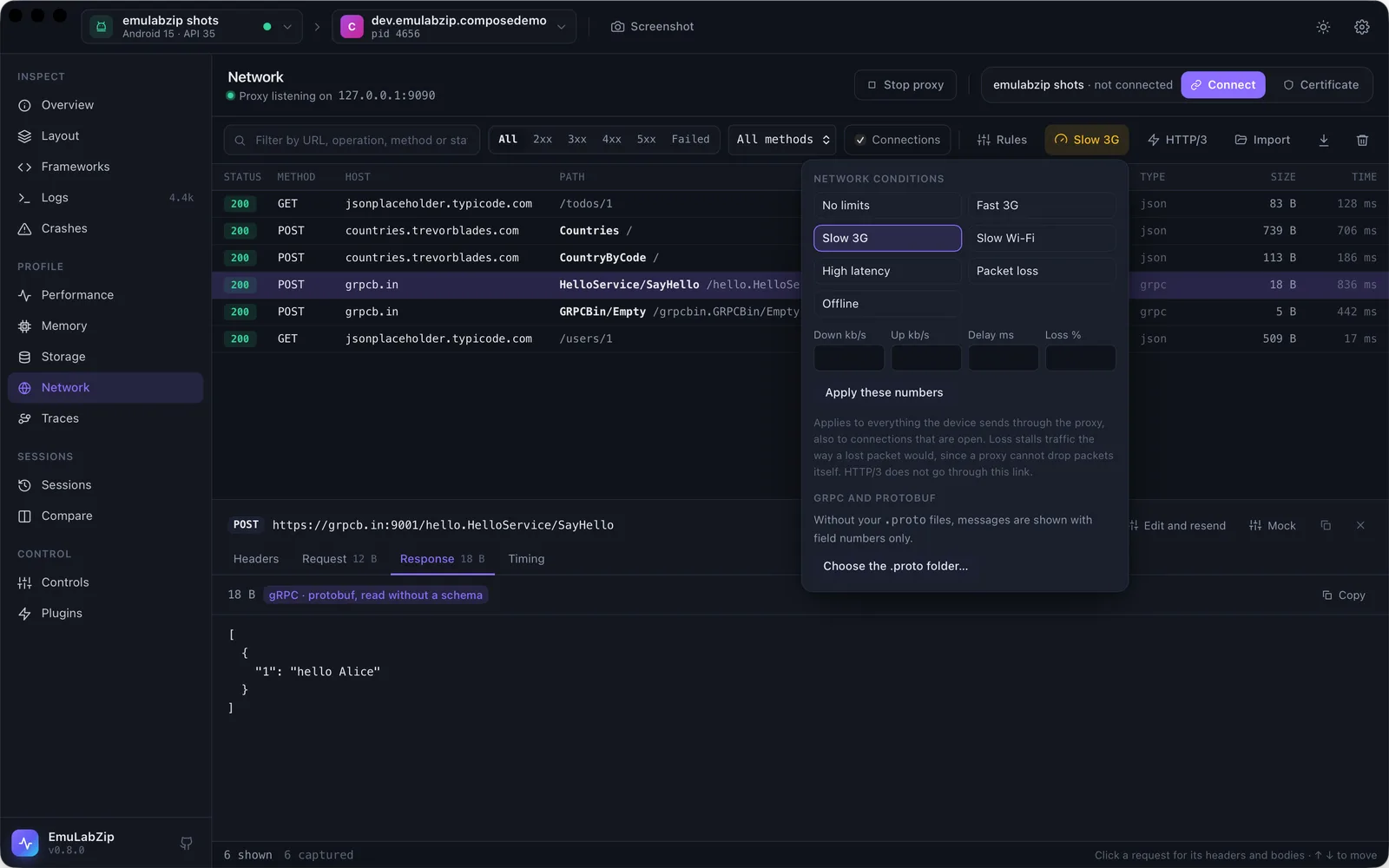
In Network, the Network button picks a preset or numbers of your own, and the change applies at once, also to connections that are already open. A badge shows what is in force.
| Preset | Download | Upload | Delay | Other |
|---|---|---|---|---|
| Fast 3G | 1,440 kb/s | 675 kb/s | 150 ms | |
| Slow 3G | 500 kb/s | 500 kb/s | 400 ms | |
| Slow Wi-Fi | 2,000 kb/s | 1,000 kb/s | 80 ms | |
| High latency | no limit | no limit | 600 ms | |
| Packet loss | no limit | no limit | none | 5% of the traffic stalls |
| Offline | no connection |
emulabzip net --conditions slow-3g
emulabzip net --down 400 --latency 100          # numbers of your own, or on top of a preset
emulabzip net --conditions offline
--down and --up are in kilobits per second, --latency in milliseconds and --loss in percent.
What each one does#
- Speed limits how fast bytes go each way, in even steps.
- Delay is added to what the device receives, once for each burst of data that follows a pause. It stands for the round trip.
- Loss cannot lose packets: the device's own TCP does the retransmitting. It stalls a burst of data for about a retransmission timeout now and then, with a chance that grows with the size of the burst, which is what an app feels.
- Offline refuses new connections and cuts the ones that are open the next time they move a byte, so apps see a network error. Choosing No limits brings everything back.
It applies to everything that goes through the proxy: requests that are decrypted and connections that are passed through. HTTP/3 talks QUIC over UDP, which does not go through this link: with HTTP/3 on, switch it off to see an app slowed down.
The conditions stay when the proxy is stopped and started again, and are forgotten when the app quits.